PRIVATE PHOTO VAULT FOR IPHONE
Automatically
find & hide
private photos.
UnseeAI scans the photos and videos on your iPhone, finds sensitive content, and automatically blurs it. Keep the files you want to protect in an encrypted photo vault.
Your photos aren’t uploaded for AI scanning.
AI that runs on your iPhone
AES-256-GCM encryption
Passcode & optional Face ID
Find, hide, and protect
your private photos.
Your photo library keeps growing. UnseeAI automatically finds sensitive photos and videos, so you don’t have to look through every file yourself.
Analyzed on your iPhone.
No photo uploads for AI scanning.
Out of sight.
On your terms.
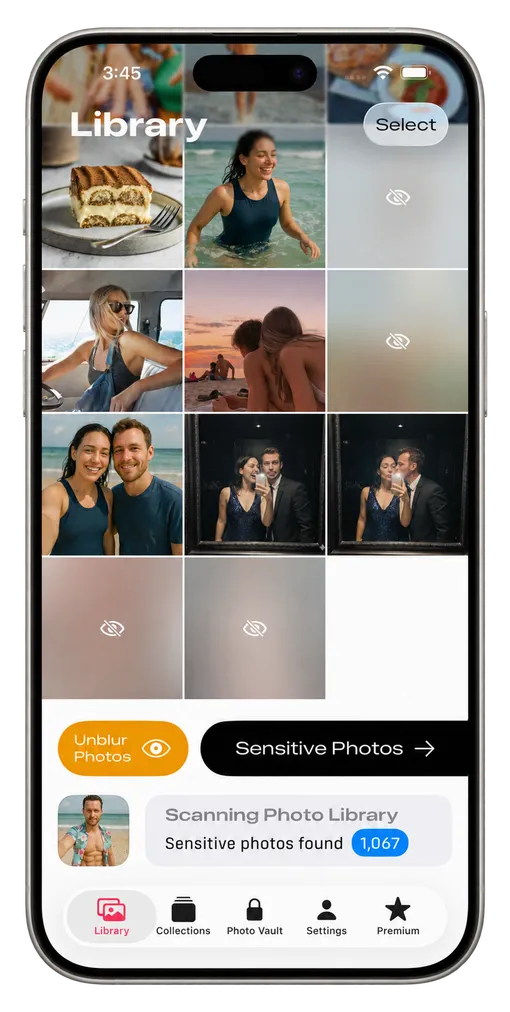
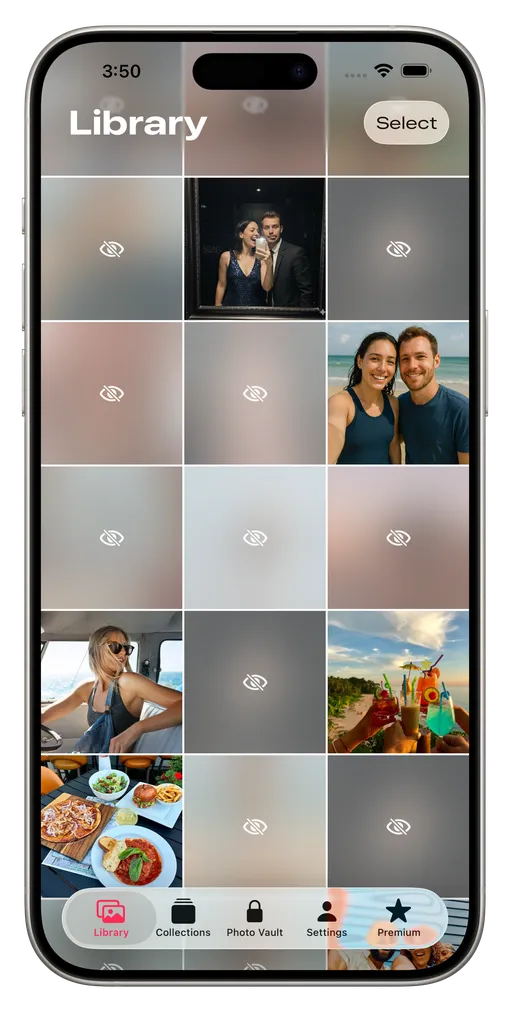
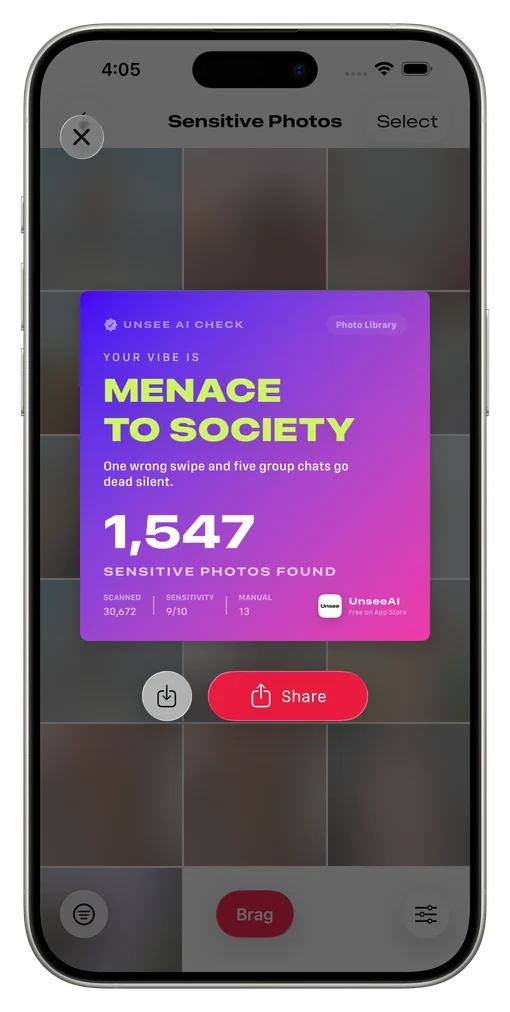
Sensitive photos are automatically blurred in the app’s gallery. Reveal a photo when you need it, review its analysis, and decide what stays private.
AUTOMATIC DETECTION. PERSONAL CONTROL.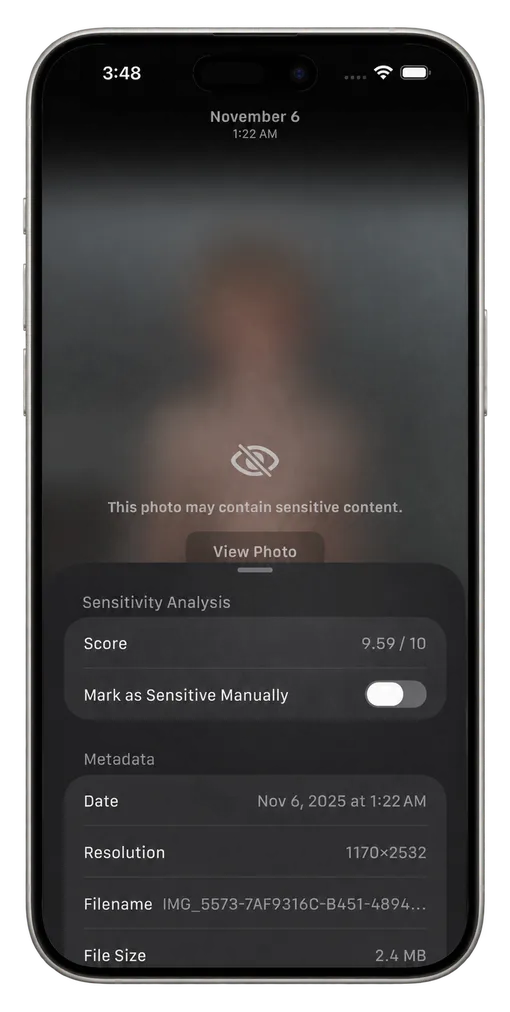
Locked.
And yours.
Give personal photos and videos a place of their own. Organize your library, move selected files into an encrypted vault, and protect access with your passcode.
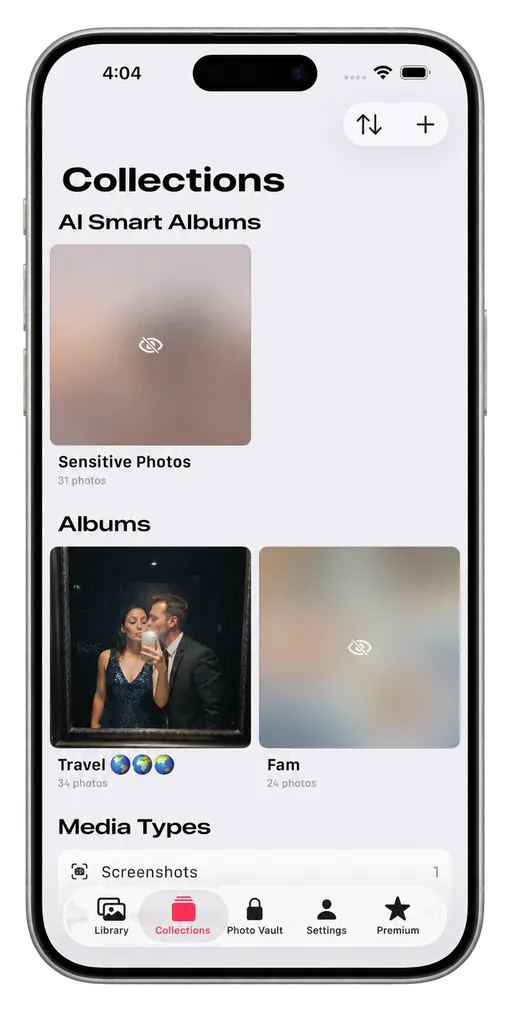
A library in order
Store sensitive photos in one collection
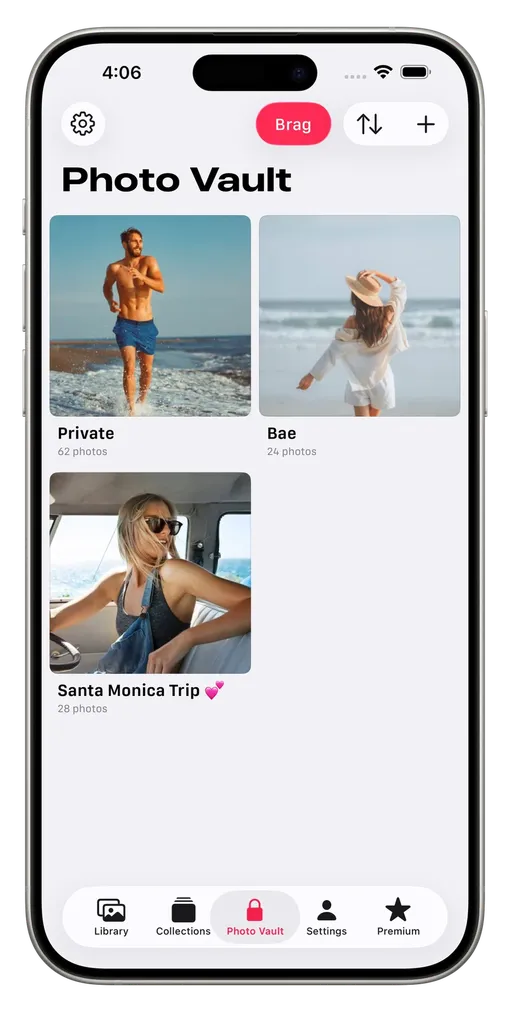
An encrypted vault
Store selected photos and videos
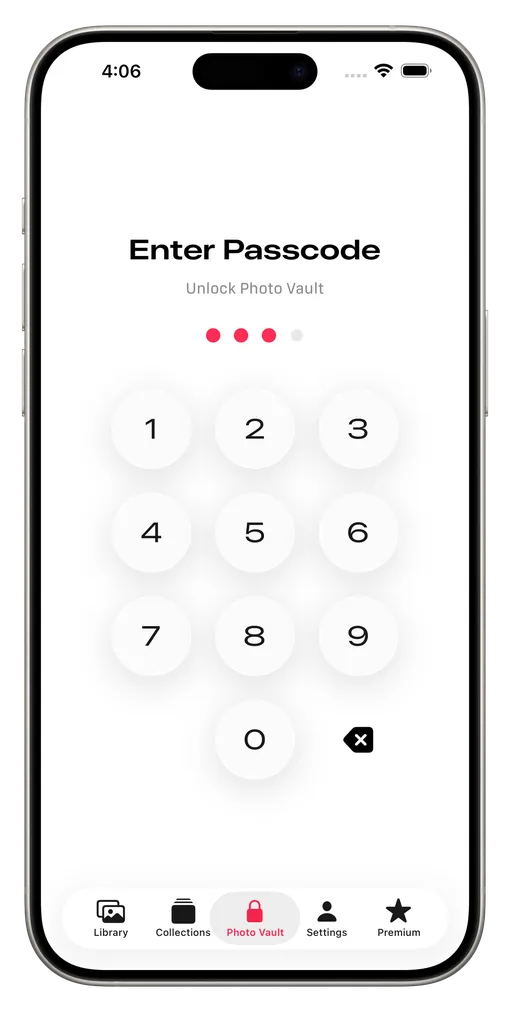
Your passcode
Lock your photos with Face ID / Touch ID
- 01
Let AI scan.
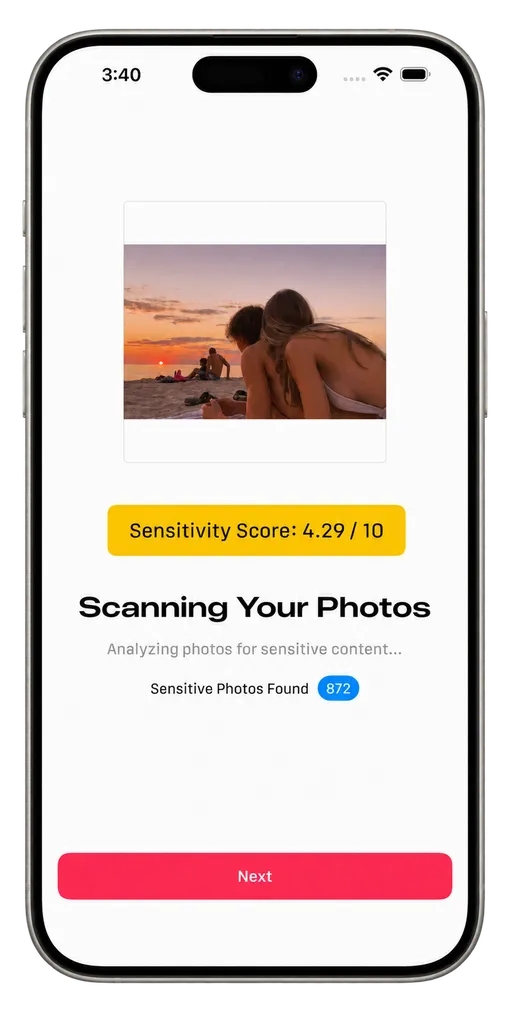
Give UnseeAI photo access and start a scan. AI automatically searches your photos and videos for sensitive content.
- 02
Review what’s hidden.
Detected content is automatically blurred in the app’s gallery. Reveal files when needed and adjust the results.
- 03
Add vault protection.
Move selected files into the encrypted vault. Set a passcode, enable optional biometrics, and organize your private albums.
What is UnseeAI?
UnseeAI is a private photo vault app for iPhone. It automatically scans for sensitive photos and videos using on-device AI and blurs detected content in its gallery. It also offers an encrypted vault, passcode protection, and private albums.
Are my photos uploaded for AI scanning?
No. UnseeAI processes scans on your iPhone and does not upload your photos to a server for AI analysis. Media stored only in iCloud may need to download to your device first. Analytics and Apple services are explained in the Privacy Policy.
How does the photo vault protect my files?
UnseeAI encrypts imported vault media using AES-256-GCM and protects access with your vault passcode. You can also enable Face ID on supported devices. The vault locks when the app goes into the background.
Does importing remove the original from Apple Photos?
Importing creates an encrypted copy in the vault. After import, you can choose to delete the original from your photo library. If you want to remove it fully from Apple Photos, also review Recently Deleted and your iCloud Photos settings.
Can I keep videos and Live Photos in the vault?
Yes. The vault supports photos, videos, and Live Photos. Organize your imported media into private albums and export it back to Photos when you choose.
How does automatic detection and hiding work?
UnseeAI automatically detects and blurs potentially sensitive media in its gallery. AI can make mistakes, so you can review the results and adjust them. You decide which files to move into the vault or delete, and you can also import files yourself.
Where can I download UnseeAI?
UnseeAI is available for iPhone on the Apple App Store. Check the App Store listing for current compatibility, pricing, and in-app purchase details.
YOUR PRIVACY, MADE EASY.